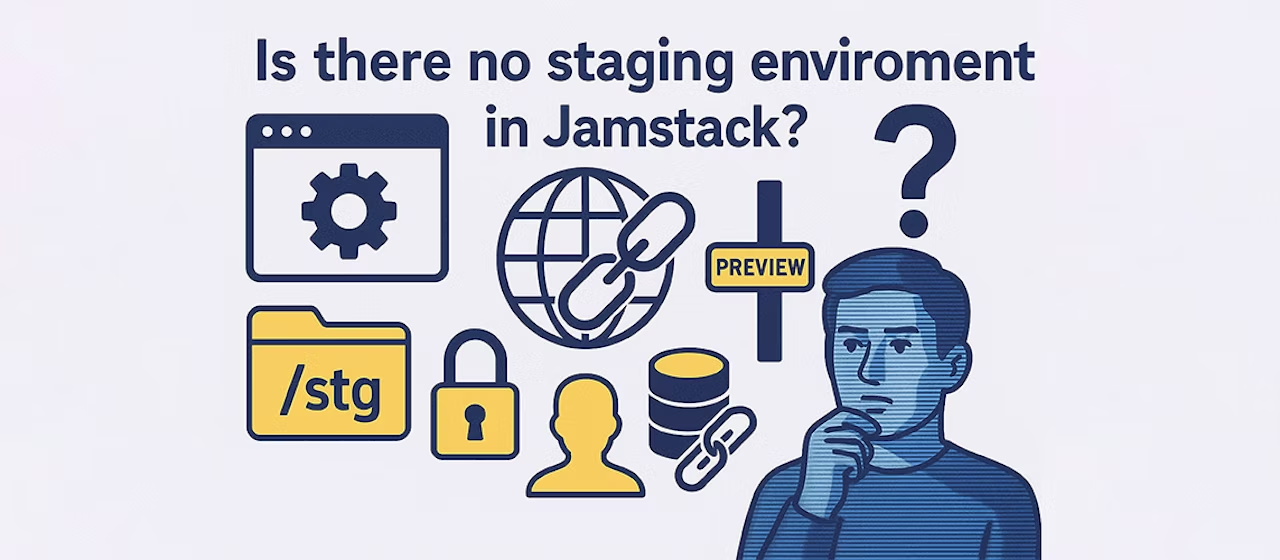
In a traditional LAMP configuration,/prev/ortest.example.com/The general style was to use Basic authentication to prepare a preview environment.
However, with the latest headless CMS configurations using Vercel or Cloudflare Pages, many people seem to be confused, asking questions like, "When I build, a preview URL is created, but is this stg?" and "Can I even set up password authentication (Basic authentication)?"
Conclusion: The preview environment is great! And it's well protected!
For example, Vercel and Cloudflare Pages have a Git branch preview URL It has the function of automatically issuing. In other words,A system that automatically creates the latest staging environment every timeIf you manage your source code with Git, you can create a new branch and push it, and a confirmation URL will be issued immediately. There is no need to manually upload files to the staging environment.
"But will that preview URL be made public?"
Don't worry, we have the following Access restrictions can be easily set That's it.
Cloudflare Pages Example
Cloudflare Pages allows you to restrict access to the preview environment.
Basic Authentication
- You can set up authentication using a username and password in a similar way to the traditional preview environment. Except for specific configurations, this is likely to be the preferred method.
- however,A hybrid configuration that combines SSG (Static Site Generation) and SSR (Server-Side Rendering)There are some cases where Basic authentication does not work well, such as:
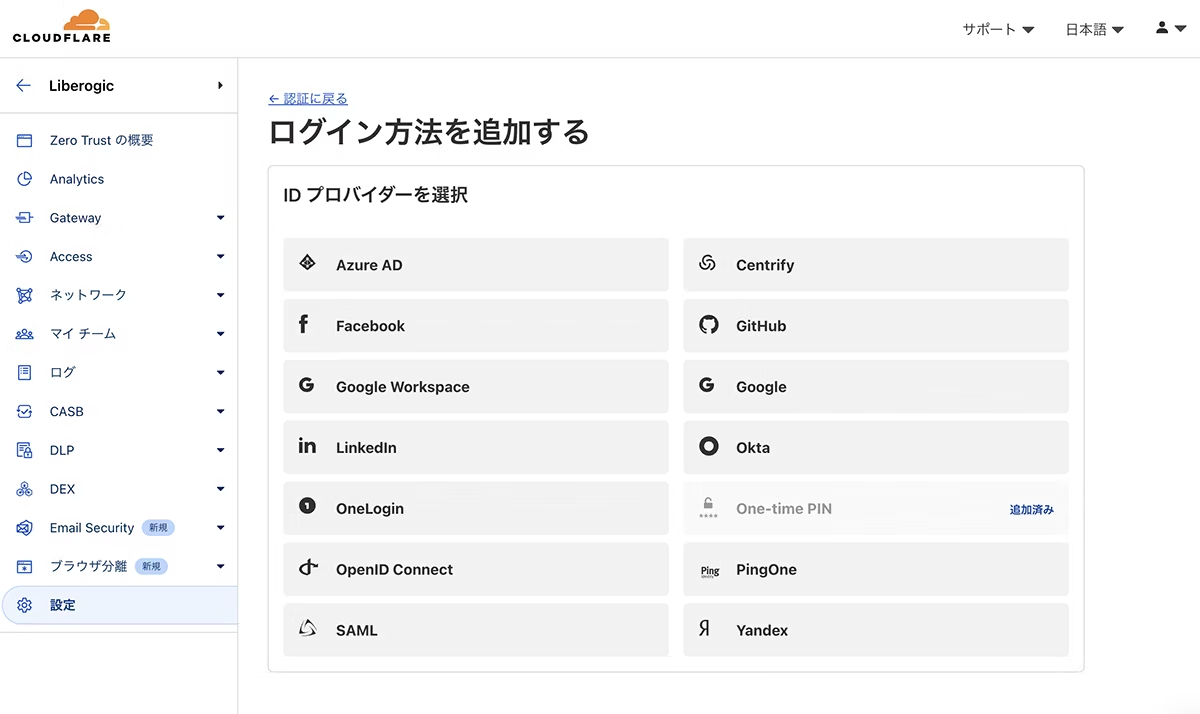
Cloudflare Access
- If Basic Authentication as described above is not suitable or if you want more flexible access control, use Cloudflare Access.

The following settings are possible from the GUI (the free plan is limited to 50 users).
example.comOnly allow users with specific email domains, such as- Only users with the specified email address are allowed
- Google account authentication (integration with Google Workspace is also possible)
- IP address restriction
- Issuance of a temporary access PIN

Vercel example
Of course, Vercel also allows you to protect the preview environment.
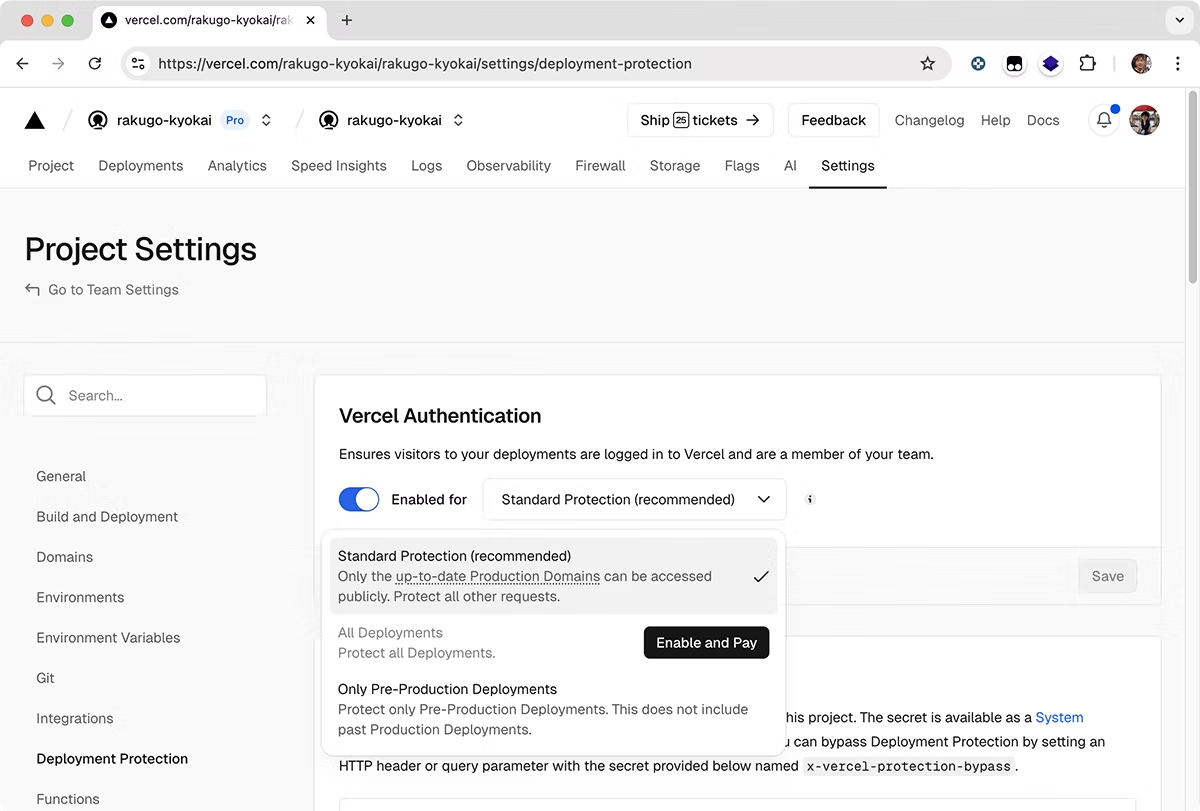
- Vercel AuthenticationRestricted access to team members only
- Password protection (available on Pro and above plans)
- It is possible to set different restrictions for the production environment and the preview environment.
By using the Vercel Authentication feature, you can limit access to project members only, create shareable links, and more.
By the way, Vercel's preview environment protection was difficult to use because password authentication was an additional charge ($150/mo),Deploy Protection is now available on all plans!
https://vercel.com/docs/deployment-protection
.png?fm=avif)
So, this is what it means!
|
Traditional Method |
The world of Jamstack/Vercel/Cloudflare Pages |
|---|---|
|
|
Preview URL for each branch + Password/email authentication/IP restrictions, etc. |
|
Manual upload |
Git pushAutomated deployment |
|
Setting and managing access restrictions is somewhat complicated |
Access restrictions are Relatively easy to set up using GUI etc. |
"Jamstack is cool, but does it have a proper preview environment?" "Is it secure?"Modern staging is a "preview environment" that is automatically published for each branch, and access restrictions can be flexibly and easily configured.
You can achieve the same peace of mind as with the traditional method, but more easily and smartly. Give it a try for your next project.



He jumped from DTP to the web world and quickly became a "master of craftsmanship" with a mastery of markup, front-end design, direction, and accessibility. He's been active in a variety of fields since Liberogic's founding and is now a living dictionary within the company. Recently, he's been obsessed with exploring efficiency improvements using prompts, wondering, "Can we rely more on AI for accessibility?" His technology and thinking are still evolving.
Futa
IAAP Certified Web Accessibility Specialist (WAS) / Markup Engineer / Front-end Engineer / Web Director