
This article was written when we built the LP last year. It's a piece from that time, but with how rapidly AI is advancing, the content feels dated now that we're publishing it... The speed of AI progress is remarkable. Considering how much further it will accelerate in 2026, designers need to keep up with how our work evolves and stay on top of new information, or we'll be left behind... It's incredible, really. Figma Make and Gemini 3 can do even more now. Think of this article as the diary of a designer who was juggling AI tools while also being tossed around by AI's rapid evolution. We'd be happy if you could skim through it with that in mind. And wherever we've added notes, we've included supplementary commentary (think of it as cheeky asides) for your enjoyment as a kind of secondary audio track.
Hello!
I'm Hasshi, a UI designer at Liberogic.
In my previous article, I enthusiastically reported that "I created an LP rough draft in just 3 hours using Figma Make and Gemini!"
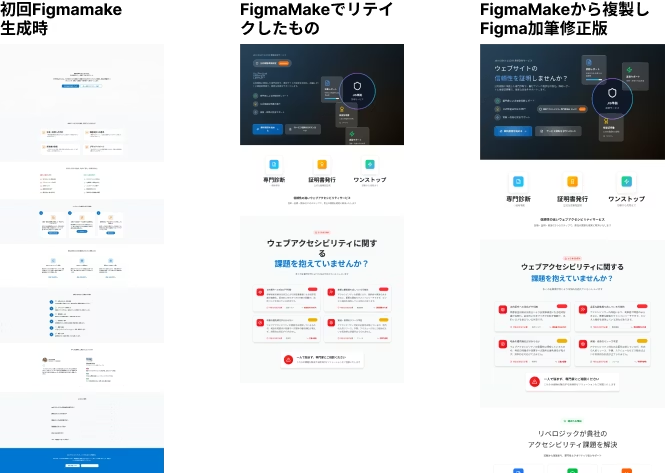
Here's what we produced last time.
Check out the previous article here.
[Create & Leverage FigmaMake: Part 1] FigmaMake and Gemini in 3 hours! Next-generation web production workflow to rapidly prototype an LP that streamlines a busy CEO's feedback process
https://www.liberogic.jp/topics/20250723-figmamake/
This article covers what came after.
After reporting to the CEO, I was in high spirits.

With this, I could handle even the CEO's wild requests at lightning speed!

Quality like this in 3 hours? No complaints there!
……I used to think that way too, haha.
This time, after confidently submitting to the CEO, here comes the
"Revision Hell Edition"⭐️・:*+.\(( °ω° ))/.:+✨
To cut to the chase:
That beautiful layout I created in Figma disappeared without a trace thanks to the CEO's comments.
I believe this still happens today, even as AI evolves.
Lesson from this experience: Figma is unbeatable for "dashboards and wireframes," but maybe it's still too early for "emotionally rich landing pages."
AI is evolving at an incredible pace these days, and recent AI can be applied in so many more ways. It's amazing!
The CEO presentation: The wall of "make it feel nice"
A fairly polished SaaS-style landing page I'd created before. I showed it to the CEO with full confidence.
.png)
CEO! I used AI to whip up a rough draft of that landing page at lightning speed! How does this structure look?"

Oh, that was fast. (looking at the screen) ...hmm, but it feels a bit stiff, you know?"

Stiff? (I mean, this is a B2B service that needs to feel trustworthy, so something this well-organized should be fine...)

I want it to feel more exciting, you know? Something with more impact, a sleeker vibe. And here, add more motion and make it feel "nice" with decorative touches.
There it is. The killer "make it feel nice."
Ranked #1 among the instructions that all designers fear most and that AI struggles to understand.
I get told things like "make it feel nice" or "it's too busy" all the time. Understanding the real meaning behind those words is what matters. Designers these days need communication skills too. For someone like me with poor social skills and a tendency to say the wrong thing, it's tough—every day is a lesson. (If I'd known designers needed this much interpersonal skill from childhood, I would've practiced more. Ah well.)
For client work, we would normally dig deeper into the client's underlying needs and motivations at this stage, but the president is busy and rarely has time for proper interviews.
Because of the president-employee relationship, things can become vague, and we sometimes end up with loose briefs and vague requests.
Then we move into the phase where everyone tries to interpret and refine what the busy president said.
That's an excuse. It was just my excuse. Really.
Inner voice ("Nice looking" — what does that even mean!? Even Gemini can't read that deep! And please stop giving revision instructions with just onomatopoeia like "whoosh" and "zap"!?)
That feeling hasn't changed to this day.
Figma VS the President's Brutal Feedback
That's when the real battle began.
To materialize the "nice-looking" vision in the president's head, we started applying revisions to the base we'd created in Figma... but then.
That's when the tool's limitations revealed themselves.
What FigmaMake generates is ultimately a "logically correct web layout". A clean, tightly structured box layout built with Auto Layout.
This is another amazing aspect of AI evolution. If you generate with the same prompt now, the accuracy is quite good. You can really feel the progress of AI (I've attached a reference image below).
It's beautiful, educational, and easy to use as a template theme.
But what the CEO wants is

"Scatter textures in the background!" "Let elements break out of the frame!" "How about adding some diagonal slides?"
Nothing but emotional decoration that ignores logic.
Every time we force decorative images into FigmaMake's generated data, Auto Layout screams in protest, and the entire layout crumbles.

My inner voice (Oh no! Adding that background image shifted the section below! FigmaMake, you're not wrong, you're absolutely right. It's just that you can't quite meet what the CEO is asking for yet...!)
The emptiness of having to redo it "manually" in the end
"Tighten up the spacing here!" "Make the buttons more bouncy!"
To handle the flood of demanding feedback (red markup), I reluctantly disabled the Auto Layout that FigmaMake had created, decomposed the generated components, and repositioned everything by hand.
Hours later. What remained on screen was design data that bore no trace of FigmaMake—something completely different.
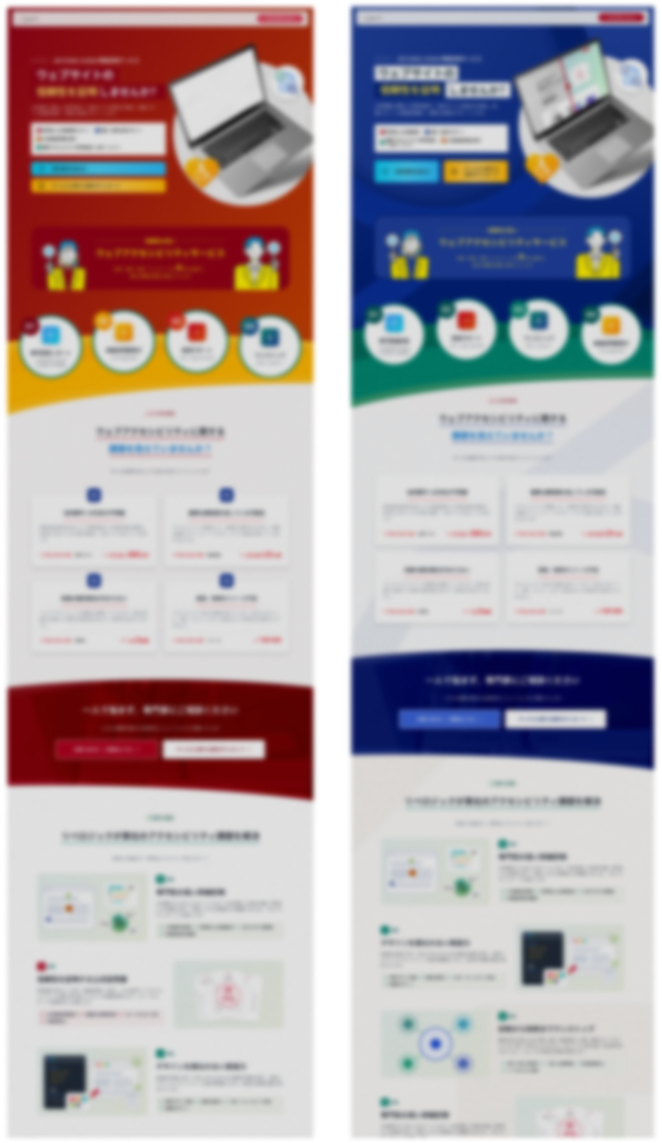
And here's the first draft after all those adjustments. The design has become utterly different from the initial version.
Moreover, all existing elements have auto layout enabled, but when copying from FigmaMake to Figma, auto layout gets disabled in certain areas for some reason, requiring me to re-apply auto layout and redo that work.
Before I knew it, the revisions had consumed a significant amount of time.

Inner monologue (Wait... wouldn't it have been faster to just do this manually in Photoshop or Figma from the start? What was my blazing-fast 3 hours for...?)
The emptiness I felt realizing this fact in the late-night office was unbearable. And it was my senior who offered me an energy drink.

Senior: "My work's done, so I'm heading out!"
The senior departed swiftly. Not much help after all...
Conclusion: FigmaMake's Strengths and Weaknesses
Through this challenging correction process, I gained a clear understanding of FigmaMake's capabilities.
Using it in the wrong context can actually increase revision work.
✅ What FigmaMake excels at (= gets done in a flash)
- Admin dashboards, app UIs, and interface screens
- Organized grid layouts, forms, and tables are where it truly shines.
- It creates "logically structured" layouts in an instant, producing output that's nearly production-ready for SaaS dashboards and the like (though refinement is always needed).
- Initial wireframes and layout concepts
- For landing pages, it works well at the stage where you're validating element completeness (before design refinement).
- It's also incredibly useful when fleshing out requirements, since you can quickly generate multiple variations.
- When articulating client requests and instantly visualizing them to align on direction, it proved invaluable.
❌ What FigmaMake struggles with (= manual work required)
- Visual refinement for landing pages (LPs)
- Design that impresses through decorative elements and ornamental details is still challenging
- What gets generated is ultimately organized, usable UI. Gradients and patterns can be added, but without clear instructions, the result can look like something from around the 2010s.
- Improving prompt accuracy during design creation requires time.
- Materializing vague nuances like "it just feels right"
- This still requires the translation skills of a human designer.
- With enough practice using prompts, it seems possible to create more smoothly with precise instructions (though I can't do it yet).
Summary: it was still excellent as a "rough draft"
In other words, for landing page creation based on vague executive direction, using FigmaMake's generated data as-is proved too limiting.
However, as I mentioned in the previous article, it definitely proved useful for **"creating a rough prototype in 3 hours from a blank slate and drawing out the CEO's requirements"**. Previously, we spent considerable time on that phase, which delayed the actual project work.
Even a request like "make it bold and sleek" is feedback that emerged precisely because we had a rough draft to work from, you know (positive thinking).
Key takeaways
- FigmaMake is the expert at building "structure."
- Decorative elements are where a designer's skill truly shines.
- There's no AI yet that can respond to a CEO's vague sense of "what feels right."
Next time, I'd like to take another shot at FigmaMake with "UI refresh for our internal management tool." (An admin panel... surely an admin panel will be my moment to shine...!)
Landing page design corrections are...
Yeah, I'll keep plugging away at it manually!
As for AI's evolution... here's the design generated using the same prompt as when we created the previous article.
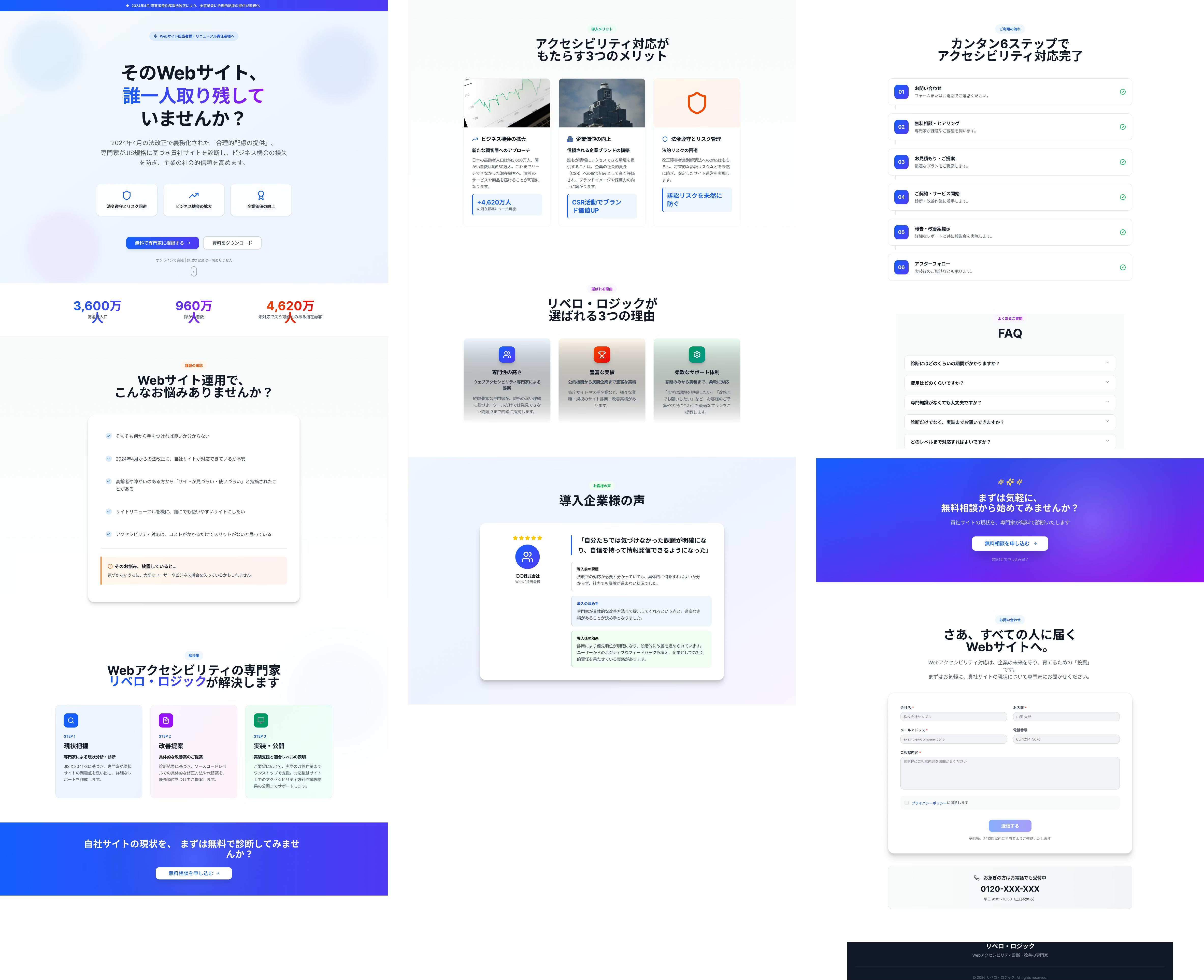
The quality of the initial output has dramatically improved over just a few months. It's honestly surprising.
The accuracy boost is almost scary. It's making me want to keep up my design studies every day so I don't get left behind by AI's evolution.
And here's the completed website
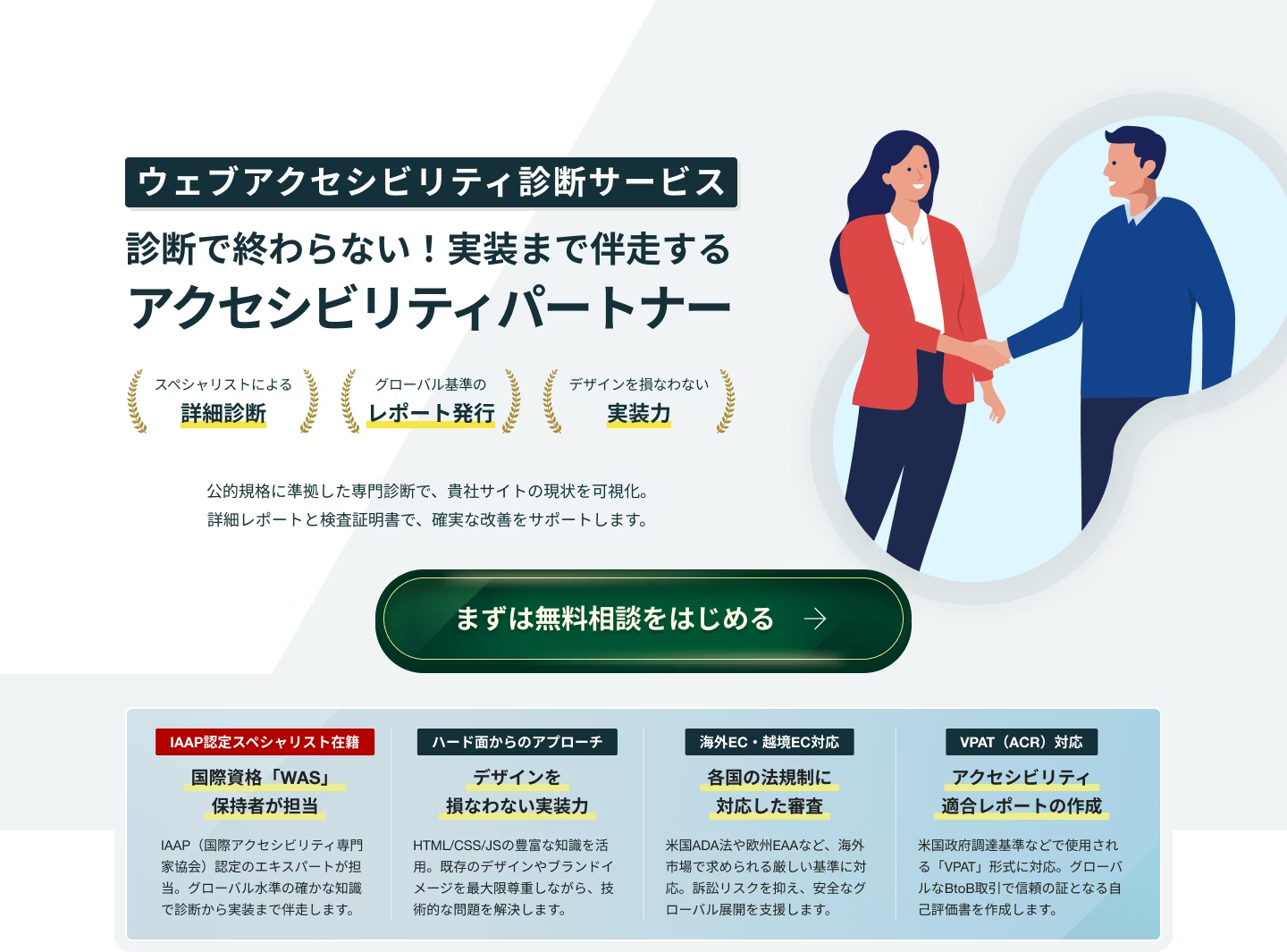
The LP itself is WCAG 2.2 AA compliant, and
Lighthouse scores are high (it takes a moment to run the audit, but give it a try — sometimes it even scores perfect!)
Plus, mysteriously it's already multi-language enabled!
Check out this article for more on multi-language support.
Browser translation is the standard these days, but being able to create a translated site automatically without any switching — that's incredibly convenient!
What do you think?
It turned out pretty clean, don't you agree🎵

I've written a lot of thoughts here, but honestly, having a solid foundation really did help us cut down the workload significantly! Previously, we'd spend a lot of time at the wireframe stage, then translate that into design, and then change the content further — that whole process took much longer. Next time I use AI, I'm going to prepare a solid prompt before diving in. And I'll treat myself to a beer as a reward.



UI design is constantly evolving! I'm working through how to integrate accessibility into LP design. I've been stepping away from markup lately and wondering if I should level up my JavaScript skills too. I'm a fan of Takumi Kitamura!
Hashy
Web Designer / Joined 2018 / Still a beginner at heart