
One day, our CEO gave us the directive: "Let's make our site multilingual. Apparently there's a Google Cloud Translation API that can automatically translate during the build process!"
Our site is a static site (SSG) built with Astro. We decided to research Google Cloud Translation API and implement it.
Setup: Enabling API Keys and Creating Service Accounts
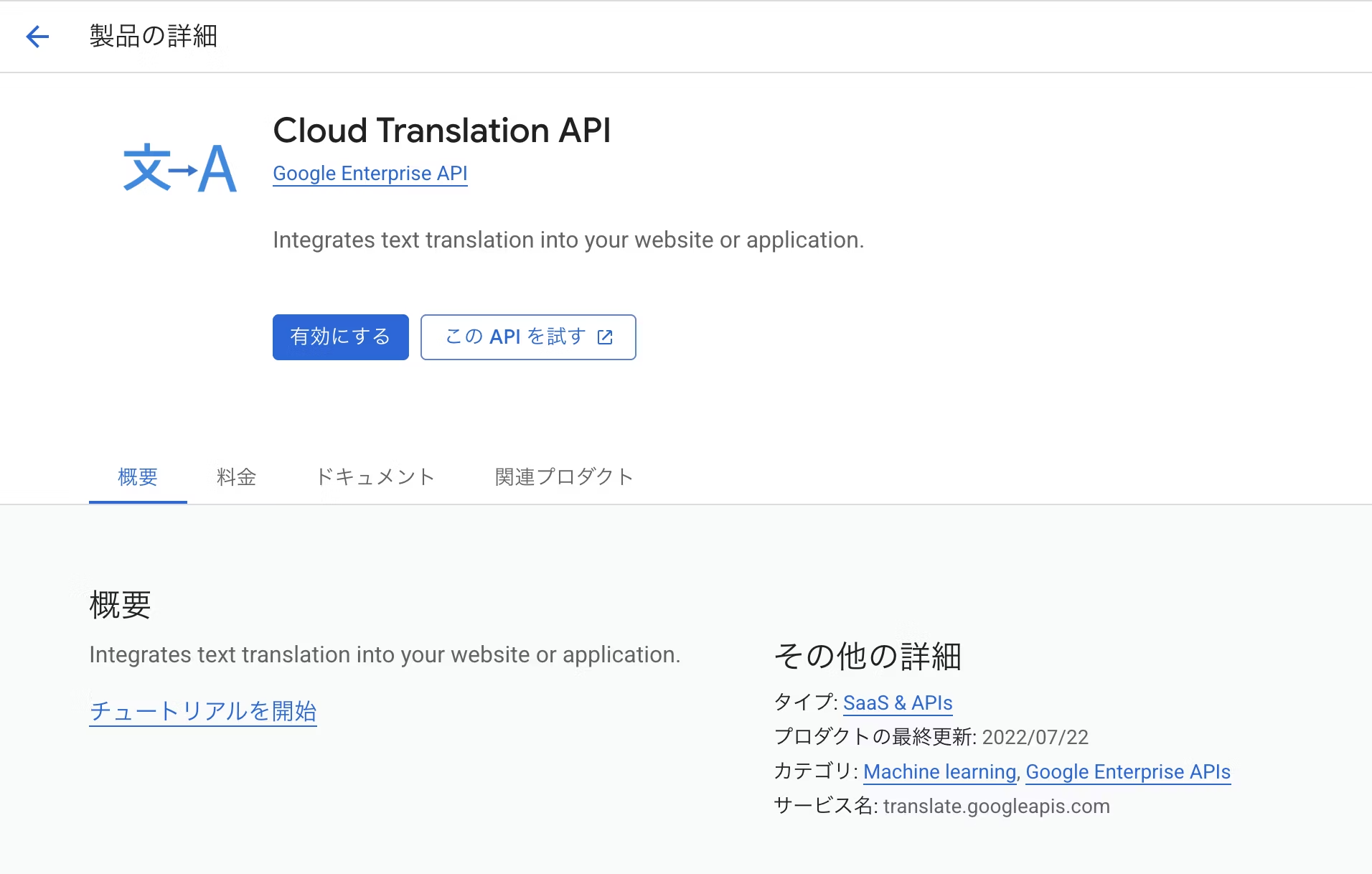
Enabling Cloud Translation API
Enable Cloud Translation API from "APIs and Services" in the Google Cloud Console.
Creating Service Account and Key
To use the API, create a service account and download a JSON key.
This JSON key contains a private key, so take care never to publish it.
Grant access permissions to the service account
Go to IAM and add the service account email address as the principal with the "Cloud Translation API User" role.
How to generate multilingual pages
My first approach was to copy Astro files and call the translation API on the fly to automatically generate multilingual Astro files.
Pages were generated, but I ran into issues: code fence sections broke, imported components couldn't be handled, and inline tags in attributes didn't work properly. So I decided to change direction.
In the end, I went with a simple postbuild process that performs translation on the generated static HTML after the build.
Language settings are synchronized with Astro's i18n configuration file
To manage the site's multilingual structure, I used the Astro i18n configuration file ((LOCALES_SETTING)) that I already had as the "configuration file" for the translation script.
To add a new language, just append it to this file.
export const LOCALES_SETTING: LocaleSetting = {
  ja: {
    label: '日本語',
    lang: 'ja',
    oglocale: 'ja_JP',
    path: 'ja',
  },
  en: {
    label: 'English',
    lang: 'en',
    oglocale: 'en_US',
    path: 'en',
  },
  de: {
    label: 'Deutsch',
    lang: 'de',
    oglocale: 'de_DE',
    path: 'de',
  },
  es: {
    label: 'Español',
    lang: 'es',
    oglocale: 'es_ES',
    path: 'es',
  },
  cn: {
    label: '简体中文',
    lang: 'zh-CN',
    oglocale: 'zh_CN',
    path: 'zh-cn',
  },
  tw: {
    label: '繁體中文',
    lang: 'zh-TW',
    oglocale: 'zh_TW',
    path: 'zh-tw',
  },
};
Language switcher implementation
The language selection dropdown is also generated from the i18n configuration file. Since the label becomes the option name, I don't want to translate it. So I added a process to override the label value. (The translate="no" attribute doesn't work with Cloud Translation API.)
By the way, someone suggested adding country flags to the language dropdown, and I tried to implement it. But it turns out using flags for language switching is an anti-pattern. For example, if a German speaker is a user from Austria, they might be confused seeing the German flag. The point is that country and language don't always align. Now that I think about it, that makes sense. In some cases, it could even become a sensitive issue.
Cache translations to minimize API usage
By this point, the multilingual generation mechanism was nearly complete. The real problem: cost.
After trying various approaches and rebuilding multiple times, API costs quickly exceeded 10,000 yen.
So I changed the approach: during the build, I save the combinations of Japanese source text and translations processed by the API into a file called translate-cache.json. On the next build, the system applies translations from this JSON file. Only missing entries trigger an API call, and the results are appended back to the JSON.
Here's what it looks like when saved.
{
  "en:UIデザイン": "UI Design",
  "en:私たちについて": "About Us",
  "en:サービス": "Service",
  ...
}
This drastically reduced costs. Depending on update frequency, ongoing costs stay in the low hundreds of yen per month.
Operational considerations
When adding articles in the CMS and triggering builds via deployment hooks, the server can only reference the old cache file that exists on Git. So we established a strict operational rule: whenever content is added, run a build locally, then push the updated cache file to Git.
Controlling inaccurate translations
Machine translation, as expected. Odd translations crop up here and there.
Brand names like "Liberogic" became inconsistent ("Liberlogic," "Libelogic"), and corporate legal designations (Inc., Ltd., etc.) were not standardized—proper nouns showed clear variation in usage.
Cloud Translation API has a glossary feature, but it only assists machine translation and doesn't provide complete fine-grained control. Additionally, it requires not just uploading a CSV file but also running commands each time to recreate resources, which is difficult for operations staff without web expertise.
Reliable control through spreadsheet integration
To solve this, we created a spreadsheet documenting languages and correctness checks. During the build process, we retrieve this spreadsheet as CSV and apply text replacement to automatically correct and overwrite text with the proper conventions.

This allows operations teams to control translations to some extent simply by updating a spreadsheet, without needing to touch any code.
Summary
We implemented automatic translation using Google Cloud Translation API. After some trial and error, we created a more practical system than expected. For cost-effective, lightweight multilingual support, it works perfectly!
(The CEO wants to support RTL Arabic too, but that's going to be a big undertaking...)





A "master of technique" who jumped from DTP into the web world and, before he knew it, mastered markup, frontend, direction, and accessibility. Active across multiple domains since Liberogic's early days, he's now a walking encyclopedia within the company. Recently, he's been diving deep into prompt-driven efficiency optimization, wondering "Can we rely more on AI for accessibility compliance?" Both his technology and thinking continue to evolve.
Ayumu Futamata
IAAP Certified Web Accessibility Specialist (WAS) / Markup Engineer / Frontend Engineer / Web Director