
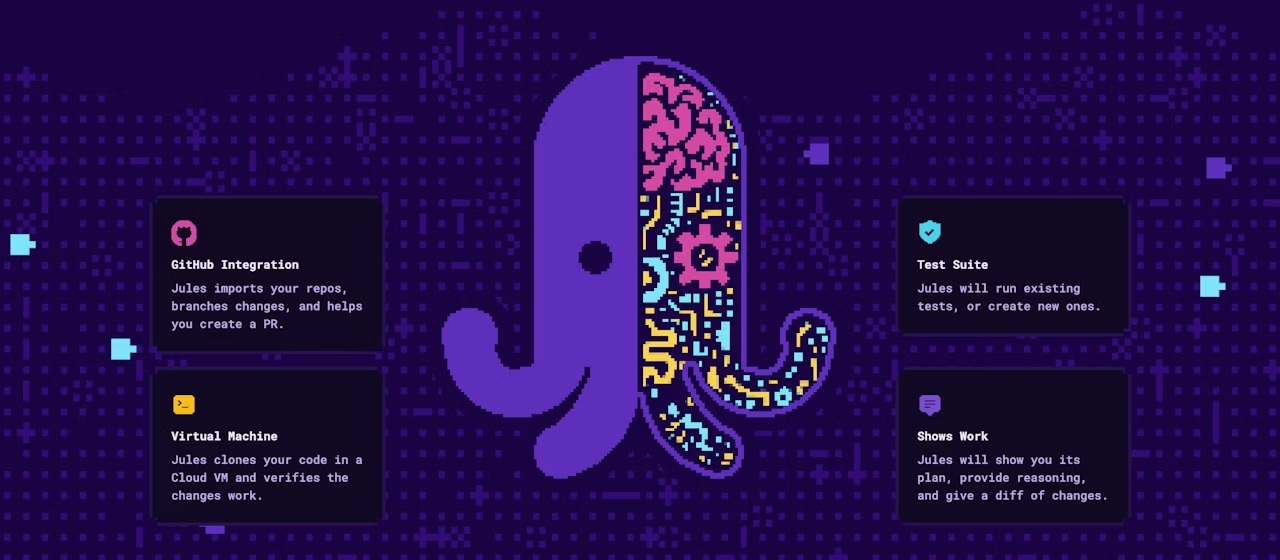
"AI writing code? We'll be out of jobs soon, right?" — what used to be a joke is starting to feel less like one. Tools like GitHub Copilot and CodeX are already writing code for us, but Google's Jules appears to be operating on a different level entirely.
Equipped with Google's latest AI, Gemini 2.0, and this time Jules' key feature is autonomy!
Who knows—maybe the day will come when this does everything for us? We can't wait to find out! We tested it to see what it can actually do.
What you can do with Jules
Jules is an AI agent that autonomously performs coding tasks. Beyond simple code generation, it enables advanced automation such as the following.
- Breaking down complex tasks and planning: We decompose the given task into smaller steps and create an implementation plan.
- Code generation and modification: Generate code across multiple source files or modify existing code.
- Bug fixes and debugging: Identify and fix bugs in your code.
- Test creation and execution: Run existing tests or create new ones to verify that your changes work correctly.
- Repository retrieval and cloning: Fetch code from repositories like GitHub and clone it to your virtual machine to begin work.
- Pull request creation: Once your code changes are complete, submit them as a pull request.
- Asynchronous work: Continue coding tasks in the background while you focus on other work.
- Voice summaries (CodeCast): Generate audio summaries of your recent code activity.
How is it different from ChatGPT's new Codex feature?
About Codex
Codex is powered by OpenAI's proprietary large language model "codex-1." Built on the latest "o3" model and optimized for software development, it's an intelligent system that incorporates the coding style and expertise of experienced senior engineers.
What you can do
- Code completion, suggestions, and generation (in real-time)
- Code generation from comments
- Function and method suggestions for existing code
- Excels at modifications and expansions to existing codebases
Codex/Copilot primarily serve as "input assistants," helping in real-time as you write or modify existing code. They function as AI pair programmers—coding assistant tools.
By contrast, Jules operates as a "substitute developer," with the key difference being the ability to autonomously execute a broader range of tasks from project start to finish. This means Jules can potentially handle the initial construction of new projects from scratch, focusing more on automation of development tasks overall.
- Capable of creating new projects: In response to user-specified tasks (for example, "create a basic web application"), Jules has the ability to generate the necessary files and directory structure from scratch and write code.
- Deep integration with GitHub repositories: Jules clones the GitHub repository specified by the user into a virtual environment and works within it. This enables manipulation of the entire project—not just single-file changes, but structural changes across the repository, addition of new files, and deletion of existing files.
- Autonomous operation: From initial project setup to file creation, code generation, test execution, and pull request creation—Jules proceeds through the entire workflow autonomously.
Jules operates with greater autonomy, functioning as a "substitute programmer" you can entrust with entire development tasks!
We tried it out!
How to use Jules
Jules works primarily through a chat-based UI.
1. Access Jules: You can access it from jules.google.com.
2. Connect your GitHub repository: Select the GitHub repository and branch you want to work on. We've prepared a "jules-test" repository for this trial.
3. Give instructions via prompt: Japanese works fine too! This time we'll implement a clock in JavaScript.
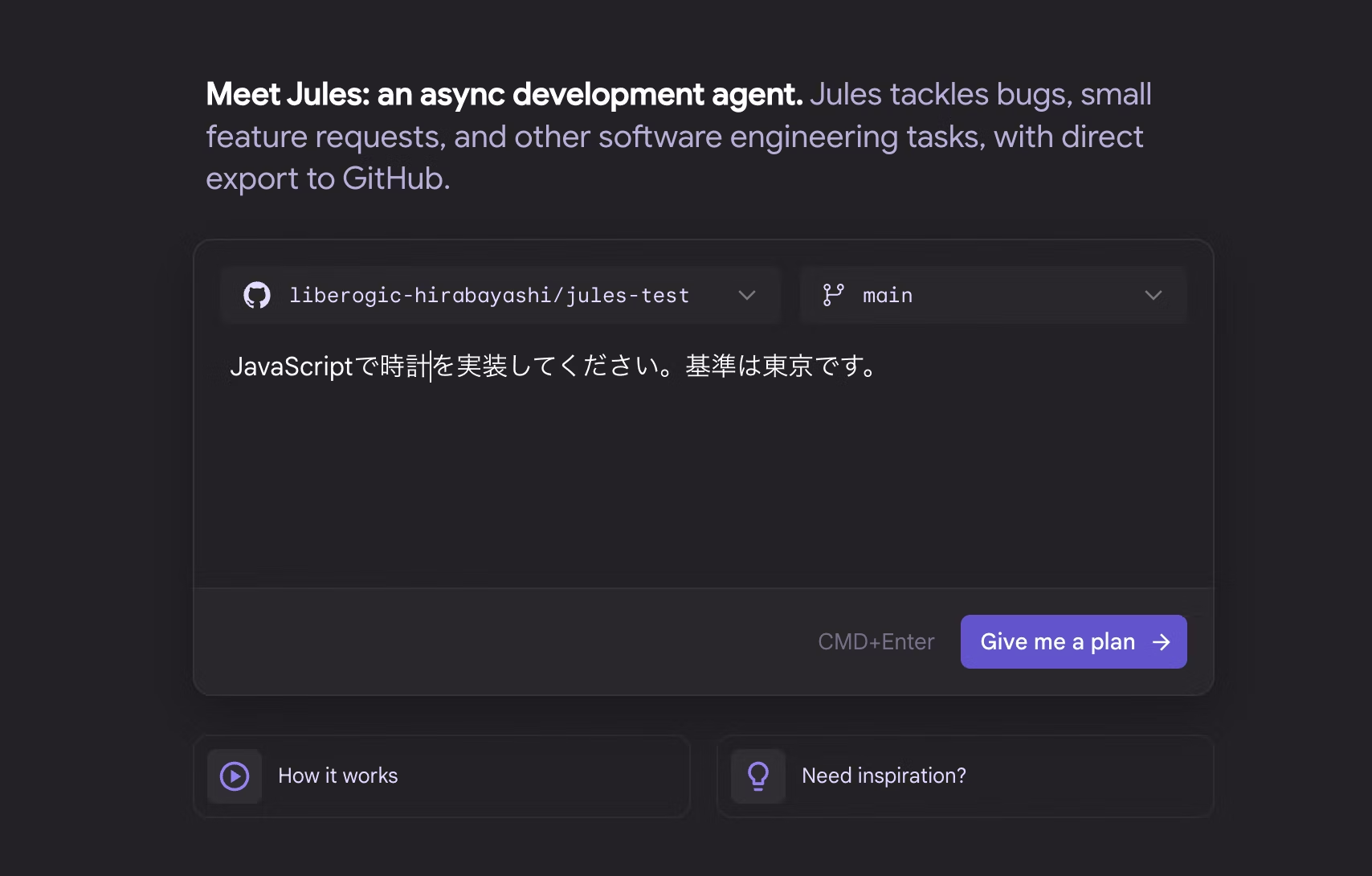
4. Approve the implementation plan: Jules presents an implementation plan first. You review and approve it. It's great that it lays out a clear work process!

5. Execute coding and check progress: Once the plan is approved, Jules automatically starts coding and reports progress.
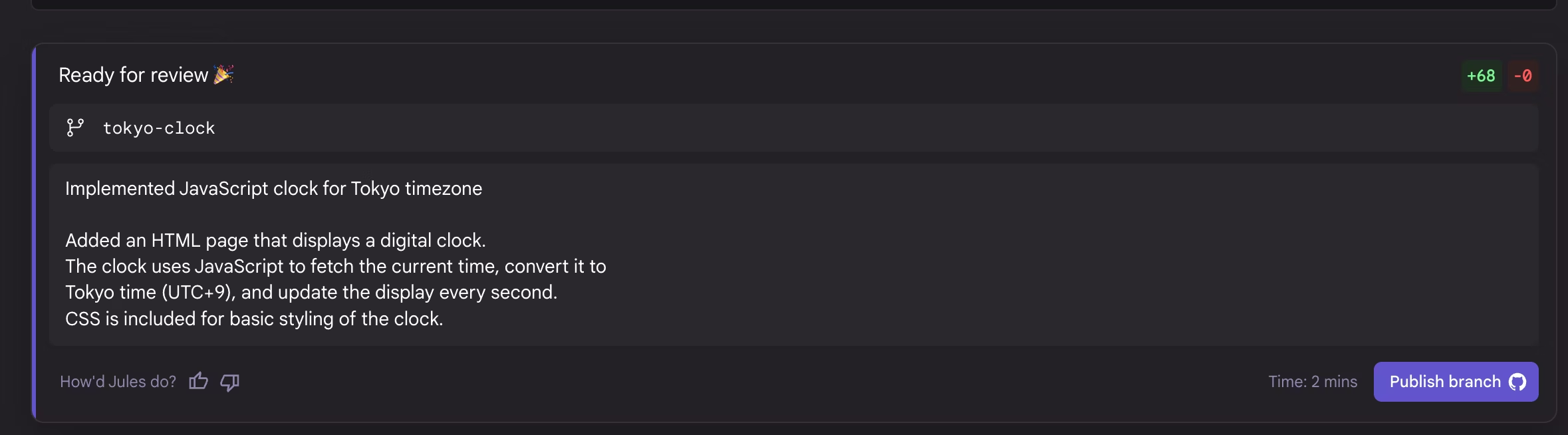
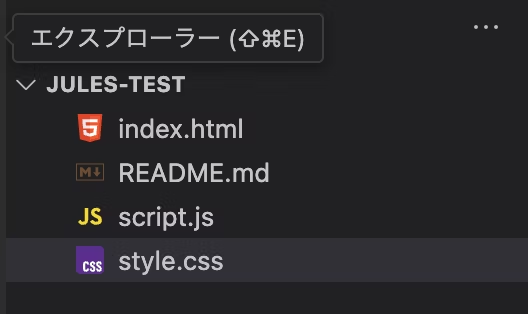
It takes a bit of time, but the index.html, script.js, and style.css files were generated!
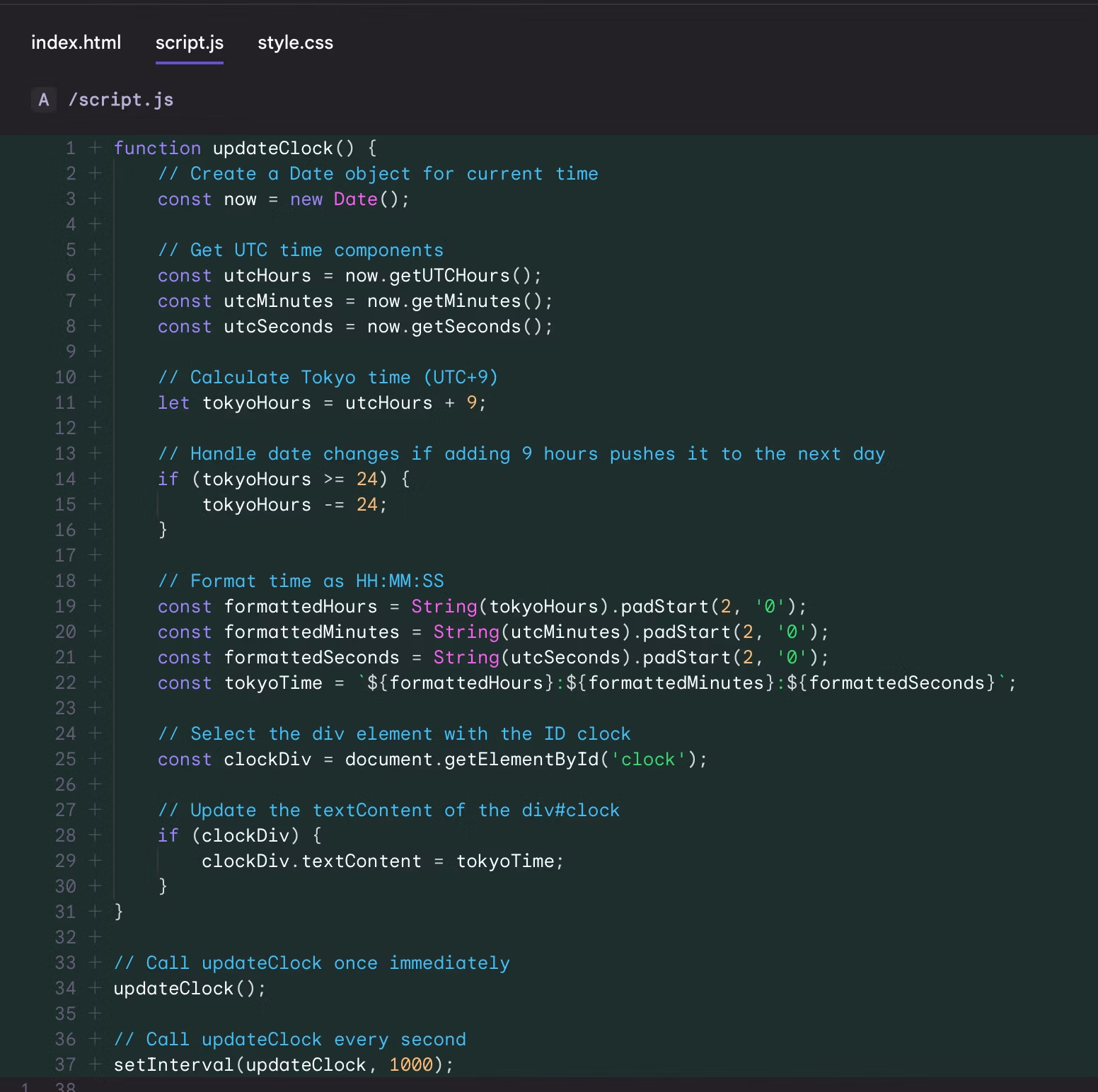
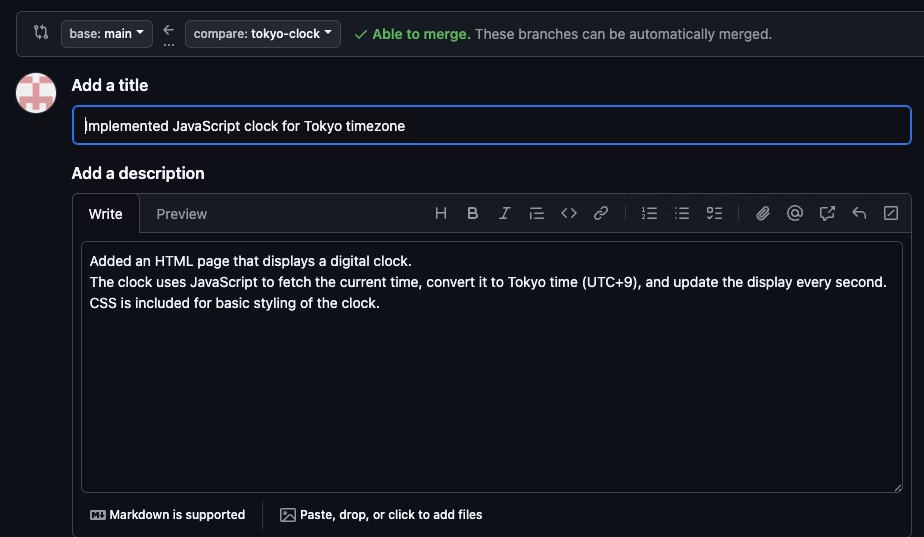
6. Review and approve changes: When coding is complete, Jules creates a pull request with a diff of the changes. You review and approve it to merge into your repository.
Don't you sometimes struggle with commit messages? Jules summarizes and creates them for you!
When you pull the branch, files are generated in the editor!
Here's what the browser preview looks like!

With previous AI features, when you'd write a prompt like "Implement a clock in JavaScript," it would only explain the implementation steps or code details. But this one handles the entire workflow—from file creation to git integration!
That said, for something straightforward like this, it seems safe to leave entirely to the AI. But I'm curious about how large a project would be reasonable to delegate.
So let me add a bit more and request "make the decoration more elaborate."

It offered several suggestions, so I'll let it decide.

It changed the background to a gradient!
Just by creating a repository, it generates files from scratch, writes the code, and pushes to git—that's a true proxy programmer!
However, it's currently offered as a beta version with usage limits (5 tasks per day, for example).
File creation and program implementation also took some time, and there were instances where input fields had bugs and didn't reflect changes properly.
Additionally, if Jules encounters an error, the work at that point is not committed, so even if you want the work diff up to that point, it may not be reflected.
We actually requested to convert a JavaScript clock implementation to Next.js, and Jules successfully converted it to Next.js and set up the environment. However, due to an error midway through, the Next.js files couldn't be pulled locally. While it's convenient, I realized there are also some notable drawbacks.
Summary
As Jules becomes increasingly capable, tedious routine work can be delegated to Jules, freeing up time for learning new technologies and hobbies. This could be a game changer!
Jules could truly be an engineer's companion and revolutionize development practices!




I focus on frontend development with markup, JavaScript, React, and Next.js. I'm always happy when a site I've worked on goes live successfully! My hobbies are playing guitar, and I love cats and roasted sweet potatoes 🐱🍠
Hiraicchi
Frontend Engineer / Joined 2022