About Tactiq
Most people who have attended meetings have likely experience creating meeting minutes.
Meeting minutes serve many purposes: notes for reviewing meeting content later, and sharing information with members who couldn't attend. Basic minutes often fail to capture meeting details accurately, requiring a certain level of completeness. However, transcribing every word spoken in a meeting is simply impractical. The typical workflow involves taking notes on key points during the meeting and formatting them afterward—a process that inevitably demands considerable time and effort. At Liberogic, we've adopted Tactiq to reduce the burden of creating meeting minutes and ensure more accurate records.
Liberogic has adopted Tactiq to reduce the burden of creating meeting minutes and ensure more accurate records.
About Tactiq
Tactiq is a transcription tool powered by OpenAI.
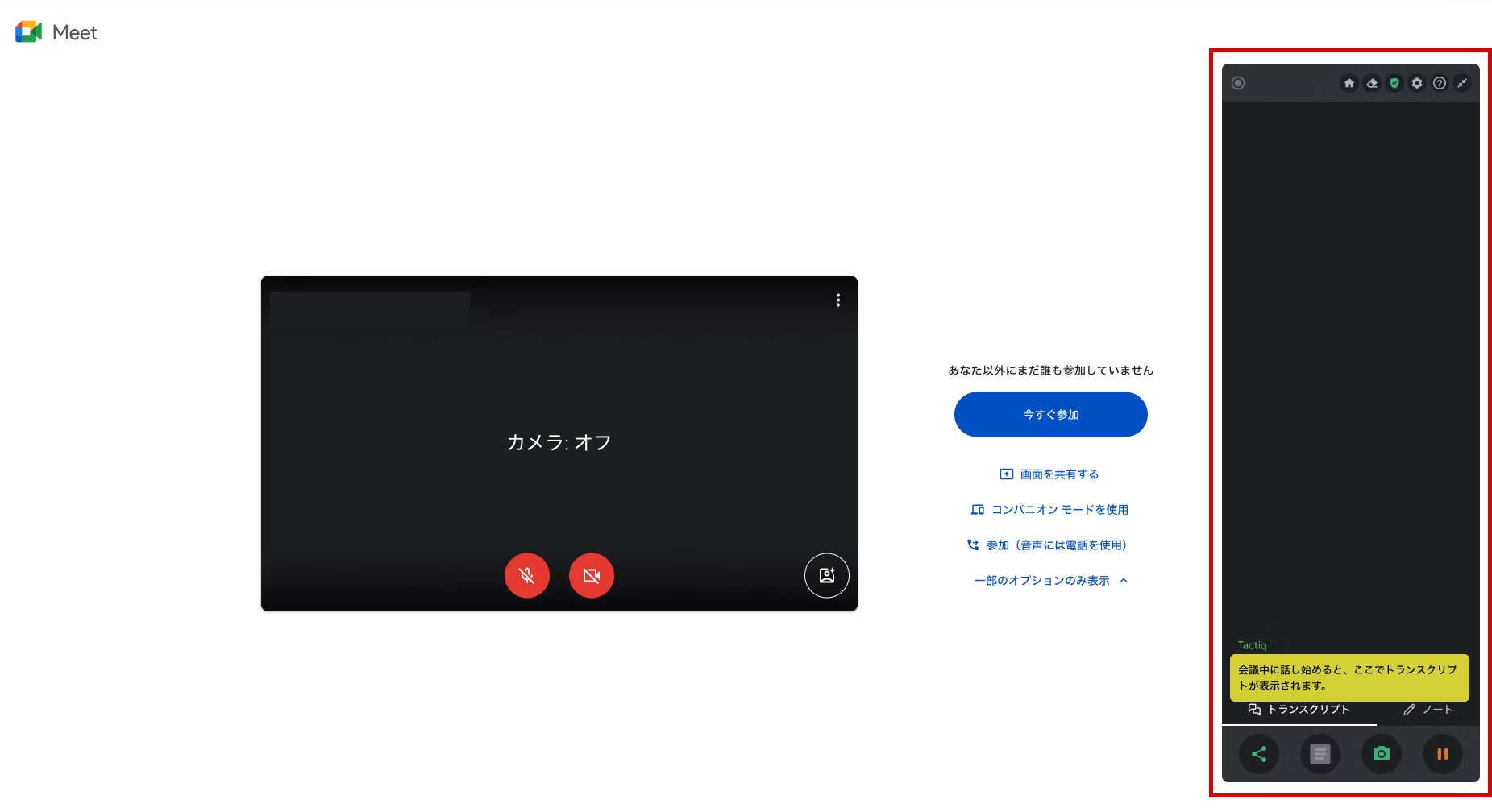
It's provided as a Chrome extension and can be easily installed from the Chrome Web Store.
It supports major meeting platforms including Google Meet, Microsoft Teams, Zoom, and Webex, converting meeting conversations directly into text.
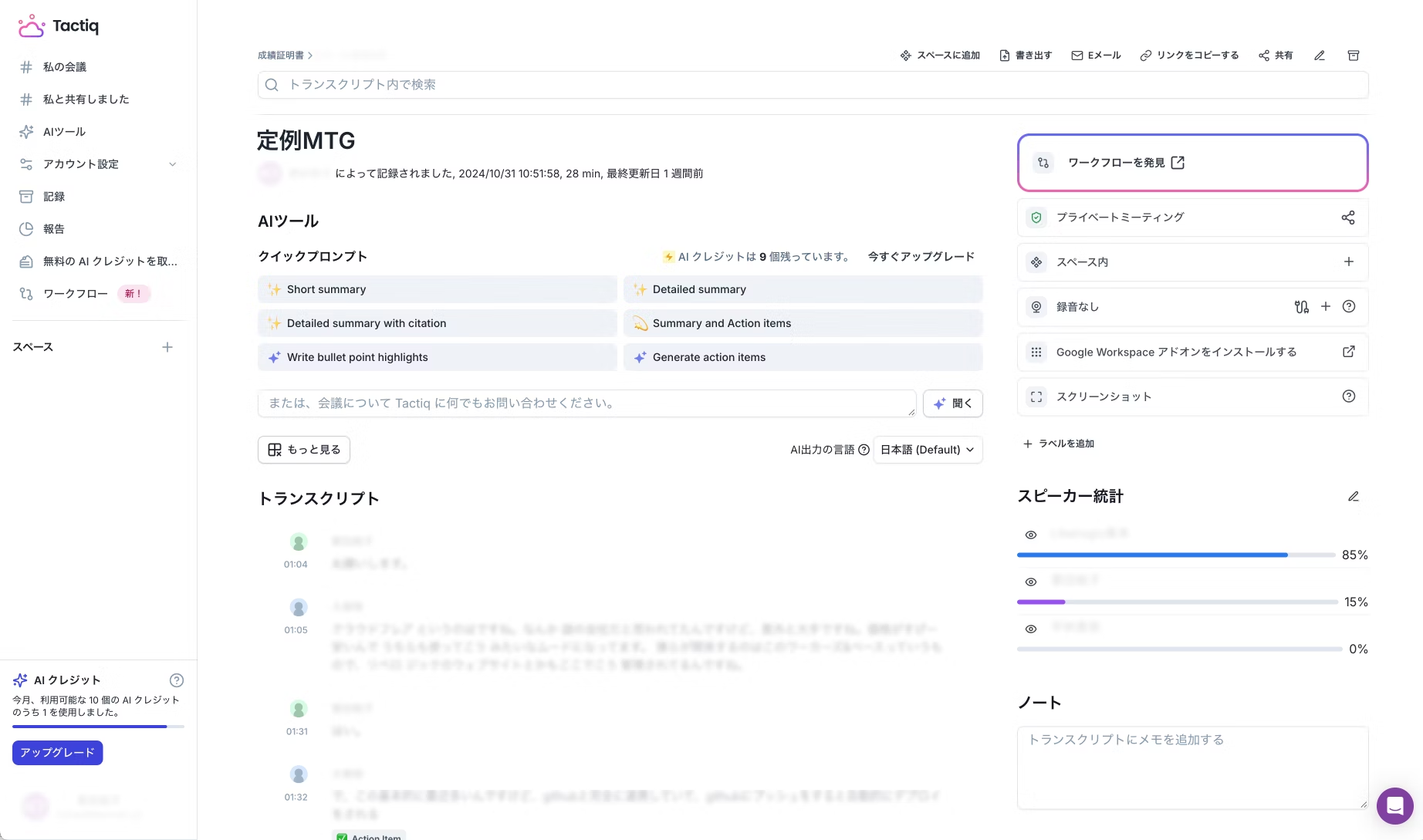
* Note: The transcription contains confidential and personal information, so certain details have been blurred.
Export to PDF or TXT is available, making it easy to share meeting minutes. With individual configuration, you can also specify Google Drive or Notion as the export destination.
The AI summarization feature condenses lengthy meetings into summaries and assigns tasks and owners that emerge during the discussion. It also corrects minor typographical errors by understanding context.
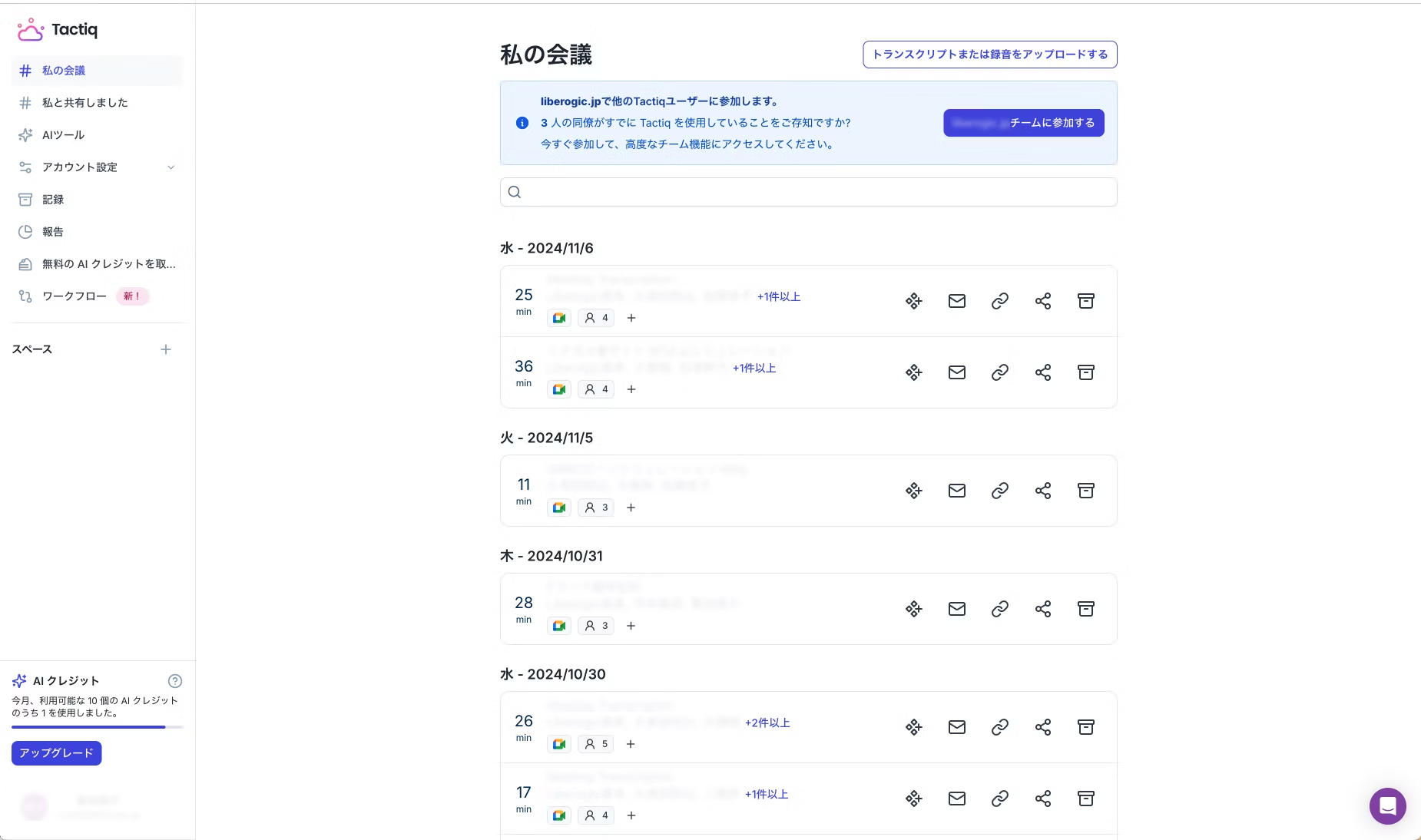
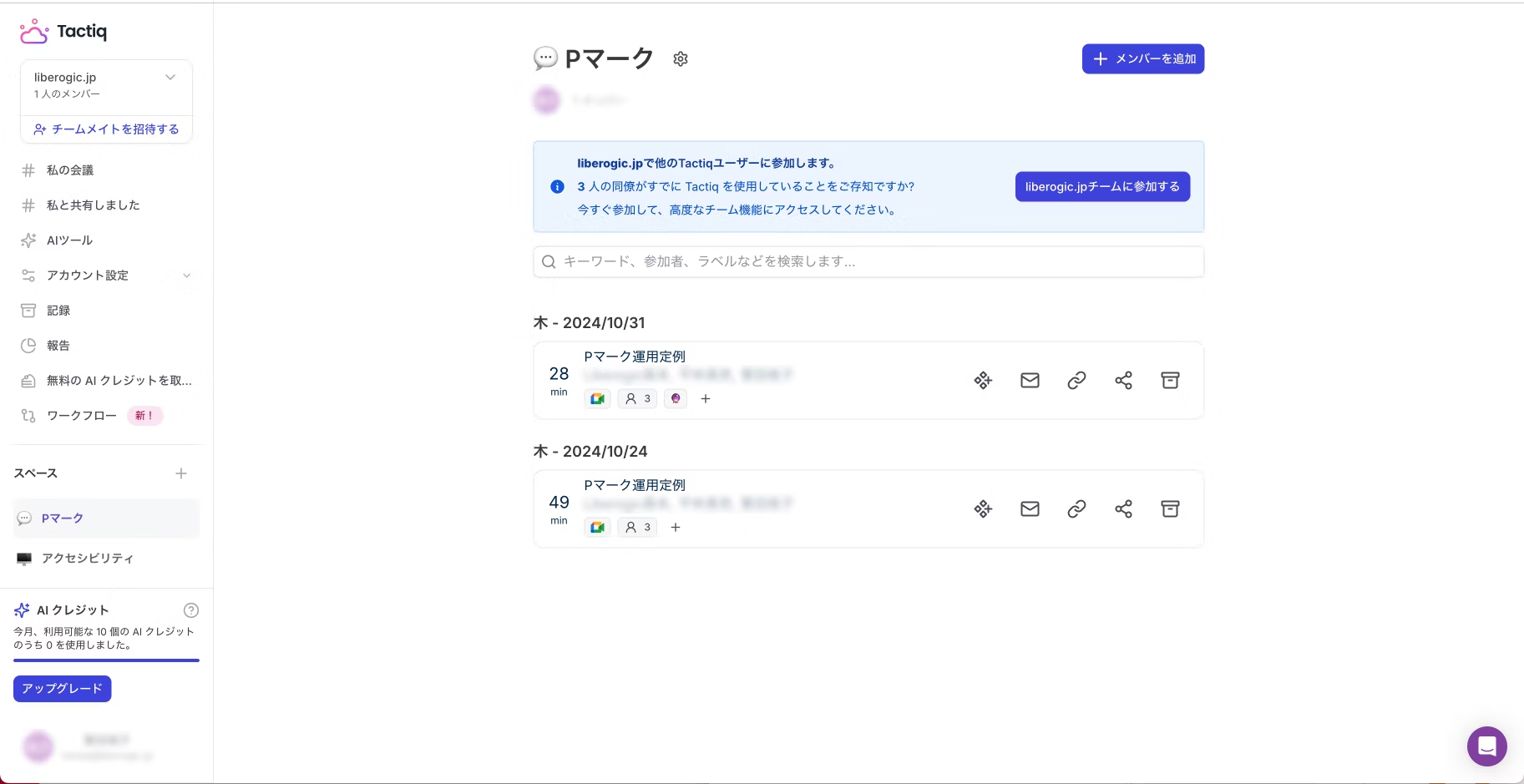
In the list view, meeting minutes are displayed in chronological order by meeting date, but when handling multiple projects, it can become time-consuming to find the minutes you need. In such cases, using the Space feature is recommended. The Space feature allows you to organize meeting minutes by project.
Impressions from using it
The transcription accuracy exceeded my expectations, and combined with the AI summarization feature, I believe Tactiq alone could be sufficient for creating simple meeting minutes. However, in situations where speech is unclear, conversation is fast-paced, or voices overlap, transcription accuracy does drop somewhat. Rather than relying entirely on the tool, it might be better to take notes yourself while having Tactiq fill in key details like the reasoning leading to conclusions. When I first adopted it, I had low expectations—thinking "the accuracy probably won't be that high, and it would be faster to take notes myself." But now it's become indispensable.
While I've introduced the summarization feature, I'll be honest—I haven't quite figured out how to use it effectively yet. Intellectually, I know it saves time, but I have this odd habit of wanting meeting minutes to capture every detail of how we reached conclusions, so I struggle to make the most of it. I think it's just a matter of incompatibility with how I structure minutes. I'm hoping to gradually bring my format more in line with Tactiq's approach and carve out at least some time savings.
Currently available features are limited, but the integration settings screen displays numerous tools that appear to be planned for future support. I'm looking forward to what's coming next.
Even the free plan is fully functional, so I'd encourage you to give it a try.



A self-made director since joining as a new graduate, currently thriving in my role! I'm pursuing the goal of becoming a multi-talented professional who can master every field, from design to ad operations. At work, I aim for smart direction, while in my private life I enjoy a reclusive fortress of a home. I happen to like anime.
Handa
Web Director / Joined 2022